




Installation
These instructions assume you have a working FiveM server that you can already connect to without issue. Please see here for more information on setting up a FiveM server.
Find the ‘resources’ folder within your FiveM server installation. It should be in the same location as your server.cfg.
Download the LG Mods product from your FiveM Keymaster, if you haven’t already.
Extract the files from the ZIP archive you downloaded into the ‘Resources’ folder.
The folder inside the ‘Resources’ folder should be ‘LGMods_Speedbumps’ and within it you see the files listed above.
If you find another folder inside the LGMods_Speedbumps folder, then you need to make sure the contents are moved so that the files above are within the first directory you open from the resources folder, otherwise the addon will not load
Open your server.cfg and find where you see a number of lines that start with the word ‘ensure’. The default resources are usually included and appear like below.
ensure chat
ensure spawnmanager
ensure sessionmanager
ensure basic-gamemode
ensure hardcap
Below these lines is where you will add this resource with the following line
ensure LGMods_Speedbumps
Restart your server. Some resources can be loaded while the server is running using the start command, however prop files can usually have problems using this method as such we recommend you restart your server after installation.
All players that join must ‘stream’ the asset to their computer for the first time they connect to the server. There may be a very short delay in the objects appearing for the first time for each user. The objects will cache and will appear instantly after the first time.
Configuration
There are no configurable options for this product. Simply install the resource and it is good to go.
Prop Classnames
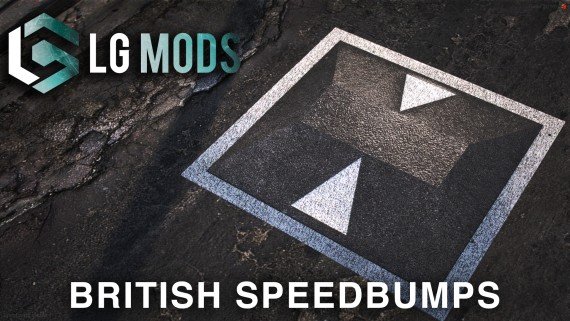
You can spawn the speedbump props using your own methods. The class names are available below.
Classname
Name
prop_speedbump
Speedbump prop