




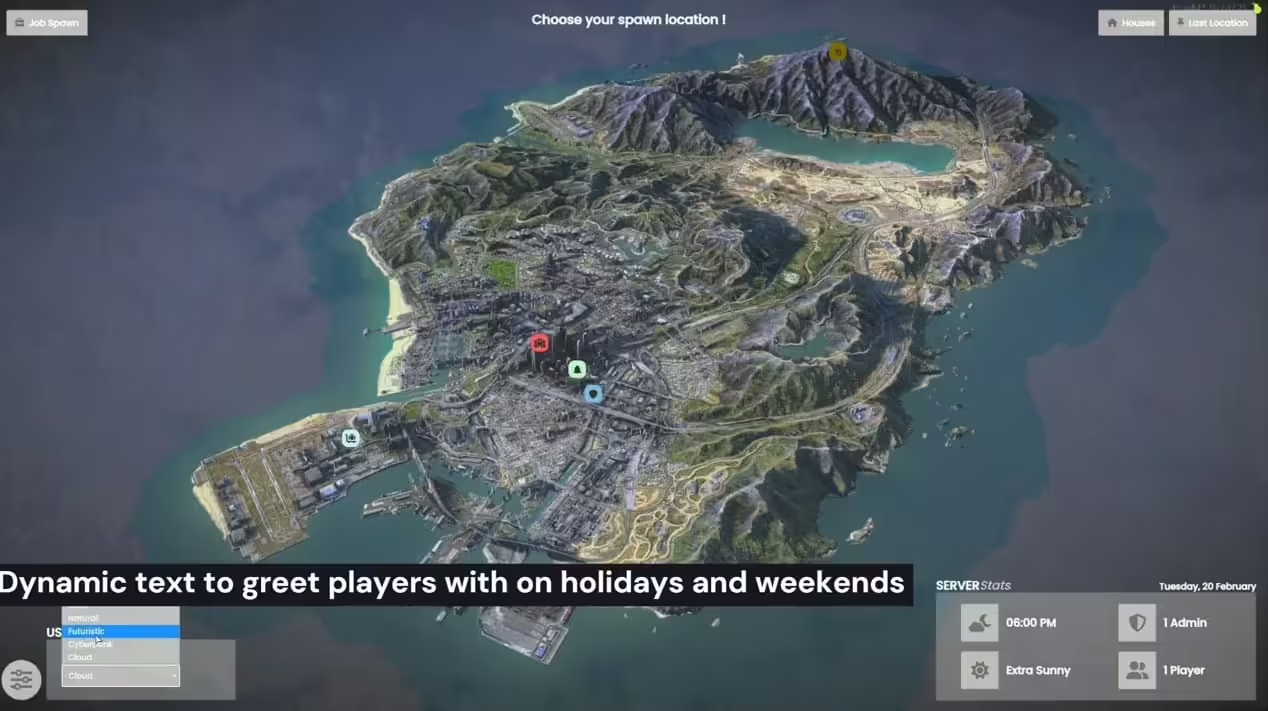



Cómo instalar Spawn Selector Pro
Paso 1: Uso general
- Arrastre y suelte el recurso llamado CL-SpawnSelectorPRO en la carpeta de recursos de su servidor.
- Ejecute la tabla SQL denominada “cl_spawnselector”.
- Configure los permisos para el editor en el archivo config.lua.
- Al crear una nueva ubicación utilizando el editor, asegúrese de agregar los datos necesarios a config.lua en Config.Locations.
Paso 2: eliminar la dependencia
- Abra fxmanifest.lua en el recurso qb-multicharacter.
- Eliminar la dependencia de qb-spawn, que normalmente se encuentra en la línea 36.
Paso 3: Modificar la prisión
- Navegue hasta el recurso qb-prison.
- En qb-prison > client > main.lua, busque el evento “prison:client:Enter” (Línea 207).
- Reemplace el evento existente con el evento actualizado que se proporciona a continuación:
RegisterNetEvent('prison:client:Enter', function(time)
    local invokingResource = GetInvokingResource()
    if invokingResource and invokingResource ~= 'CL-SpawnSelector' and invokingResource ~= 'qb-policejob' and invokingResource ~= 'qb-ambulancejob' and invokingResource ~= GetCurrentResourceName() then
        -- Use QBCore.Debug here for a quick and easy way to print to the console to grab your attention with this message
        QBCore.Debug({('Player with source %s tried to execute prison:client:Enter manually or from another resource which is not authorized to call this, invokedResource: %s'):format(GetPlayerServerId(PlayerId()), invokingResource)})
        return
    end

    QBCore.Functions.Notify( Lang:t("error.injail", {Time = time}), "error")

    TriggerEvent("chatMessage", "SYSTEM", "warning", "Your property has been seized, you'll get everything back when your time is up..")
    DoScreenFadeOut(500)
    while not IsScreenFadedOut() do
        Wait(10)
    end
    local RandomStartPosition = Config.Locations.spawns[math.random(1, #Config.Locations.spawns)]
    SetEntityCoords(PlayerPedId(), RandomStartPosition.coords.x, RandomStartPosition.coords.y, RandomStartPosition.coords.z - 0.9, 0, 0, 0, false)
    SetEntityHeading(PlayerPedId(), RandomStartPosition.coords.w)
    Wait(500)
    TriggerEvent('animations:client:EmoteCommandStart', {RandomStartPosition.animation})

    inJail = true
    jailTime = time
    local tempJobs = {}
    local i = 1
    for k in pairs(Config.Locations.jobs) do
        tempJobs[i] = k
        i += 1
    end
    currentJob = tempJobs[math.random(1, #tempJobs)]
    CreateJobBlip(true)
    TriggerServerEvent("prison:server:SetJailStatus", jailTime)
    TriggerServerEvent("prison:server:SaveJailItems", jailTime)
    TriggerServerEvent("InteractSound_SV:PlayOnSource", "jail", 0.5)
    CreateCellsBlip()
    Wait(2000)
    DoScreenFadeIn(1000)
    QBCore.Functions.Notify( Lang:t("error.do_some_work", {currentjob = Config.Jobs[currentJob] }), "error")
end)
Además, añade and invokingResource ~= 'CL-SpawnSelector' a la línea 209.
Estos pasos deberían garantizar la correcta instalación e integración del recurso CL-SpawnSelectorPRO en su entorno de servidor.


Valoraciones
No hay valoraciones aún.