



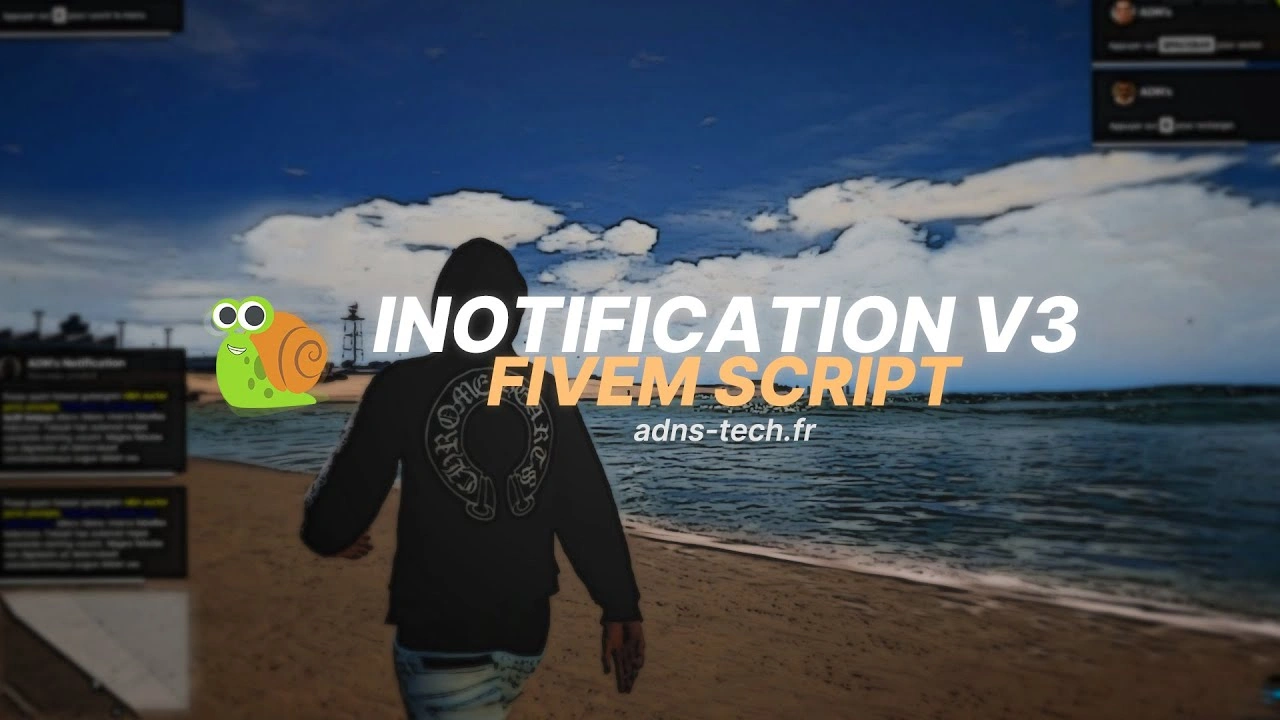
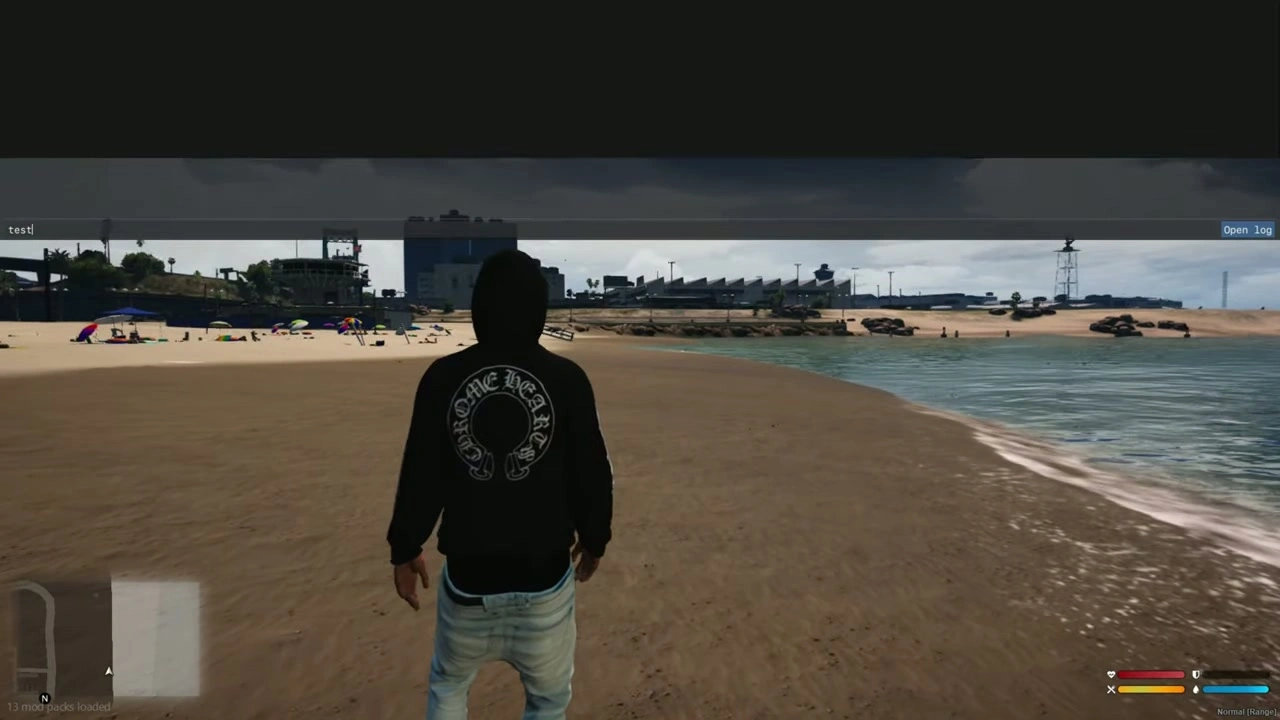
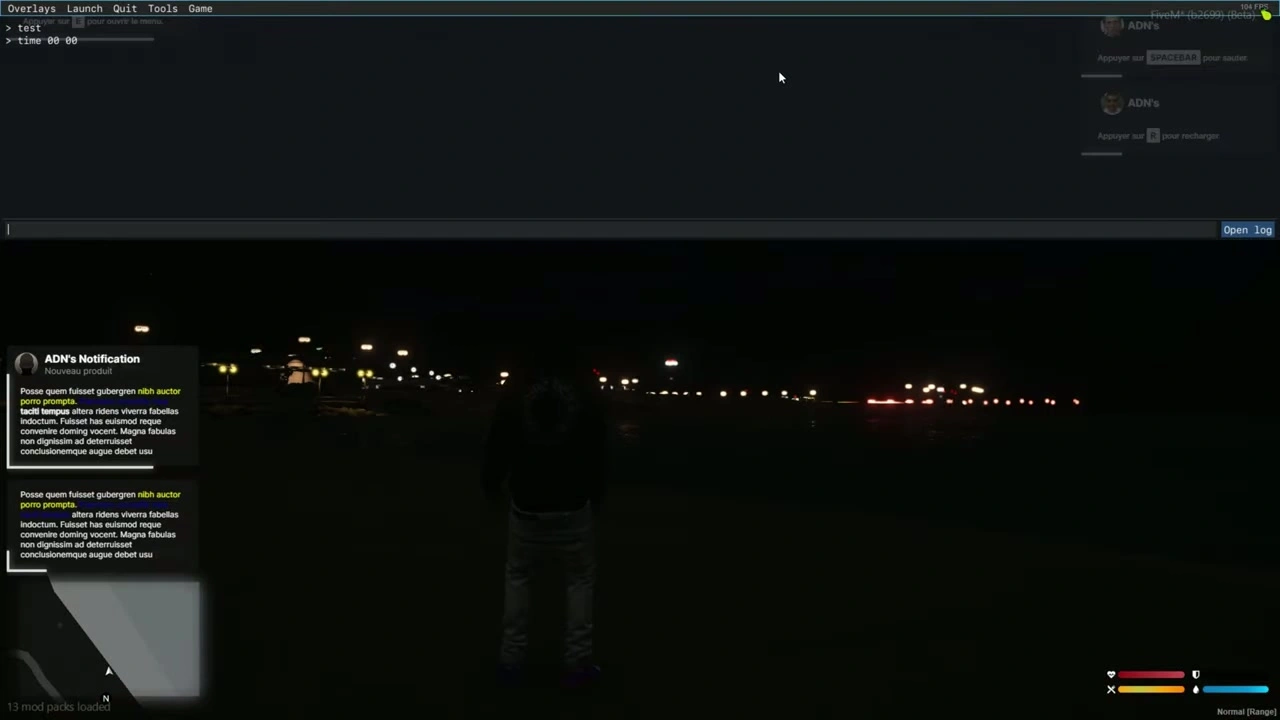


📦 Installation von Benachrichtigungen
- Ziehe die
iNotificationV3Ordner in deine Ressourcen. - Füge die Zeile hinzu
ensure iNotificationV3zu deinemserver.cfg.
📝 Textoptionen
- Wenn du einschließt
~h~Im Text wird es den Text deutlich (Beispiel:~h~Trying bold text~h~). - Wenn du einschließt
~i~Im Text wird es den Text kursiv (Beispiel:~i~Trying italic text~i~). - Wenn du einschließt
<br/>Im Text wird dadurch ein Zeilenumbruch (Beispiel:line 1<br/>line 2).
🔔 Beispielbenachrichtigungen (Client/Server)
Clientseite
-- showNotification
TriggerEvent("iNotificationV3:showNotification", "This is a message", 5, "left");

-- showAdvancedNotification
TriggerEvent("iNotificationV3:showAdvancedNotification", "Title", "Subtitle", "this is a message", "CHAR_MP_BIKER_BOSS", 7, "left");

-- showHelpNotification
TriggerEvent("iNotificationV3:showHelpNotification", "Press ~INPUT_PICKUP~ to ...", 10, "right");

-- showAdvancedHelpNotification
TriggerEvent("iNotificationV3:showAdvancedHelpNotification", "Interactions", "Press ~INPUT_PICKUP~ to trigger ...", "CHAR_MP_BRUCIE", 8, "left");
Serverseitig
-- showNotification
TriggerClientEvent("iNotificationV3:showNotification", source, "This is a message", 5, "left");

-- showAdvancedNotification
TriggerClientEvent("iNotificationV3:showAdvancedNotification", source, "Title", "Subtitle", "this is a message", "CHAR_MP_BIKER_BOSS", 7, "left");

-- showHelpNotification
TriggerClientEvent("iNotificationV3:showHelpNotification", source, "Press ~INPUT_PICKUP~ to ...", 10, "right");

-- showAdvancedHelpNotification
TriggerClientEvent("iNotificationV3:showAdvancedHelpNotification", source, "Interactions", "Press ~INPUT_PICKUP~ to trigger ...", "CHAR_MP_BRUCIE", 8, "left");
⚠️ Tipp: Wir empfehlen, nicht alle Benachrichtigungen über ESX zu ändern.
Ändere sie stattdessen einzeln in jedem Skript, in dem sie erscheinen, für eine bessere Kontrolle (Position, Dauer usw.).
🧩 Passe alle Benachrichtigungen in deinem ESX-Framework einfach an
- Gehe zum Ordner
ex_extended/client. - Öffne die Datei
functions.lua. - Folge den unten stehenden Modifikationsschritten.
🔧 Modifikation
Ersetze diesen Code:
ESX.ShowNotification = function(msg)
    SetNotificationTextEntry('STRING');
    AddTextComponentString(msg);
    DrawNotification(0, 1);
end

ESX.ShowAdvancedNotification = function(sender, subject, msg, textureDict, iconType, flash, saveToBrief, hudColorIndex)
    if saveToBrief == nil then saveToBrief = true end
    AddTextEntry('esxAdvancedNotification', msg)
    BeginTextCommandThefeedPost('esxAdvancedNotification')
    if hudColorIndex then ThefeedNextPostBackgroundColor(hudColorIndex) end
    EndTextCommandThefeedPostMessagetext(textureDict, textureDict, false, iconType, sender, subject)
    EndTextCommandThefeedPostTicker(flash or false, saveToBrief)
end

ESX.ShowHelpNotification = function(msg, thisFrame, beep, duration)
    AddTextEntry('esxHelpNotification', msg)

    if thisFrame then
        DisplayHelpTextThisFrame('esxHelpNotification', false)
    else
        if beep == nil then beep = true end
        BeginTextCommandDisplayHelp('esxHelpNotification')
        EndTextCommandDisplayHelp(0, false, beep, duration or -1)
    end
end
Mit diesem Code:
ESX.ShowNotification = function(msg, time, position)
    TriggerEvent("iNotificationV3:showNotification", msg, time or 12, position or "left");
end

ESX.ShowAdvancedNotification = function(sender, subject, msg, textureDict, iconType, flash, saveToBrief, hudColorIndex)
    TriggerEvent("iNotificationV3:showAdvancedNotification", sender, subject, msg, textureDict, 12, "left")
end

ESX.ShowHelpNotification = function(msg, thisFrame, beep, duration)
    TriggerEvent("iNotificationV3:showHelpNotification", msg, 12, "left");
end
➕ Benachrichtigungen einfach hinzufügen
showNotification
Kunde
-- message: string (message content) (⚠️ Required)
-- duration: number (seconds the notification stays visible) (❌ Optional)
-- location: string["left", "middle", "right"] (screen position) (❌ Optional)
exports["iNotificationV3"]:showNotification(message, duration, location);
-- or:
TriggerEvent("iNotificationV3:showNotification", message, duration, location);
Server
TriggerClientEvent("iNotificationV3:showNotification", playerId or source, message, duration, location)
showAdvancedNotification
Kunde
-- title: string (title of notification) (❌ Optional)
-- subtitle: string (subtitle) (❌ Optional)
-- message: string (message content) (⚠️ Required)
-- duration: number (display duration) (❌ Optional)
-- location: string["left", "middle", "right"] (screen position) (❌ Optional)
-- icon: string (GTA 5 notification image or custom image name from "assets/images/") (❌ Optional)

exports["iNotificationV3"]:showAdvancedNotification(title, subtitle, message, icon, duration, location);
-- or:
TriggerEvent("iNotificationV3:showAdvancedNotification", title, subtitle, message, icon, duration, location);
Server
local inotif = "iNotificationV3:showAdvancedNotification";
TriggerClientEvent(inotif, playerId or source, title, subtitle, message, icon, duration, location)
showHelpNotification
Kunde
exports["iNotificationV3"]:showHelpNotification(message, duration, location);
-- or:
TriggerEvent("iNotificationV3:showHelpNotification", message, duration, location);
Server
local inotif = "iNotificationV3:showHelpNotification";
TriggerClientEvent(inotif, playerId or source, message, duration, location)
showAdvancedHelpNotification (Vorschau)
Kunde
exports["iNotificationV3"]:showAdvancedHelpNotification(title, message, icon, duration, location);
-- or:
TriggerEvent("iNotificationV3:showAdvancedHelpNotification", title, message, icon, duration, location);
Server
local inotif = "iNotificationV3:showAdvancedHelpNotification";
TriggerClientEvent(inotif, playerId or source, title, message, icon, duration, location)
✅ Erledigt!
Deine datei wurde nun vollständig ins englische übersetzt, wobei code-blöcke und formatierung erhalten bleiben.
Soll ich ein Englische Markdown-Version dieser Datei (readme_en.md) das man herunterladen kann?