



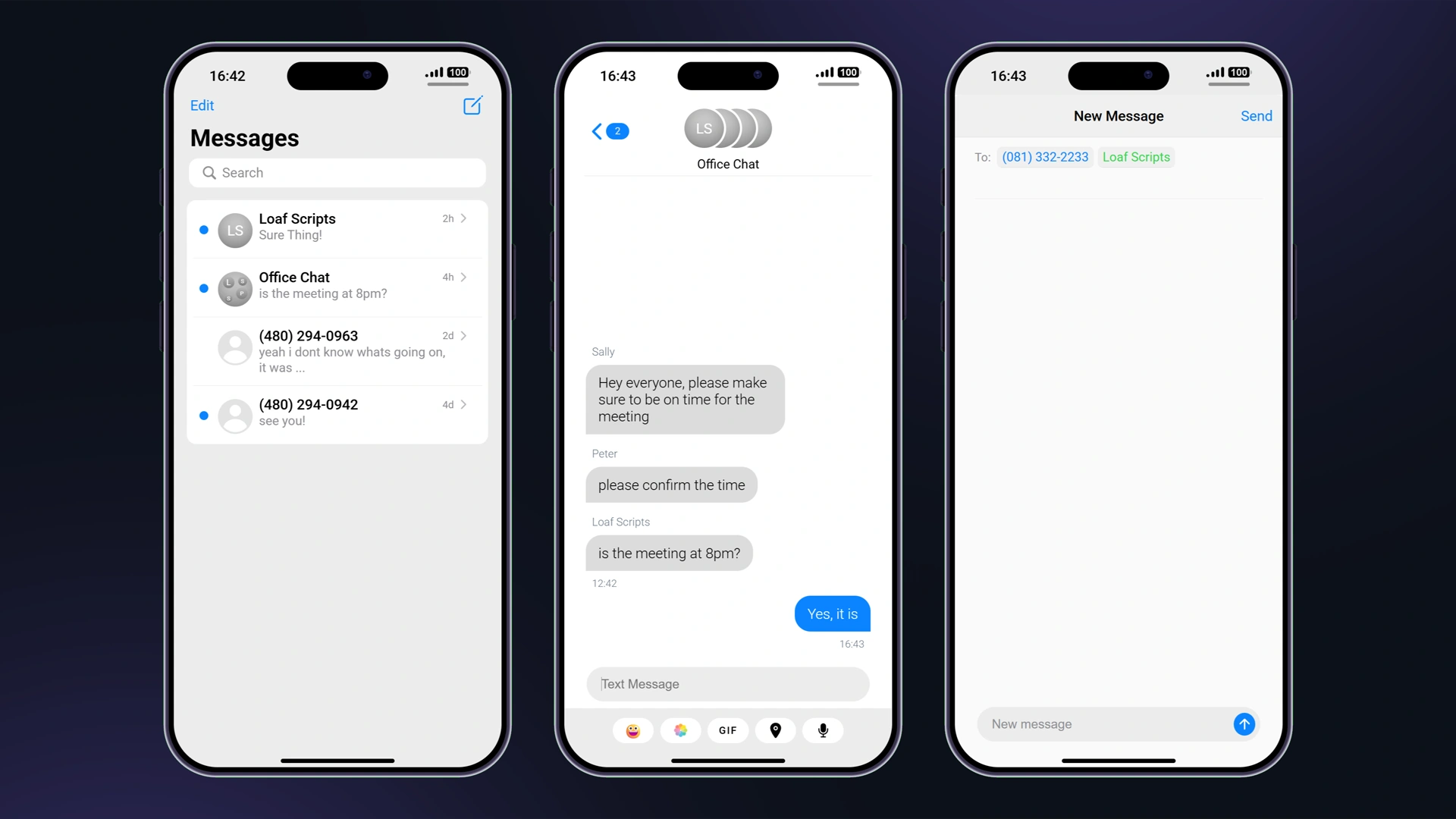
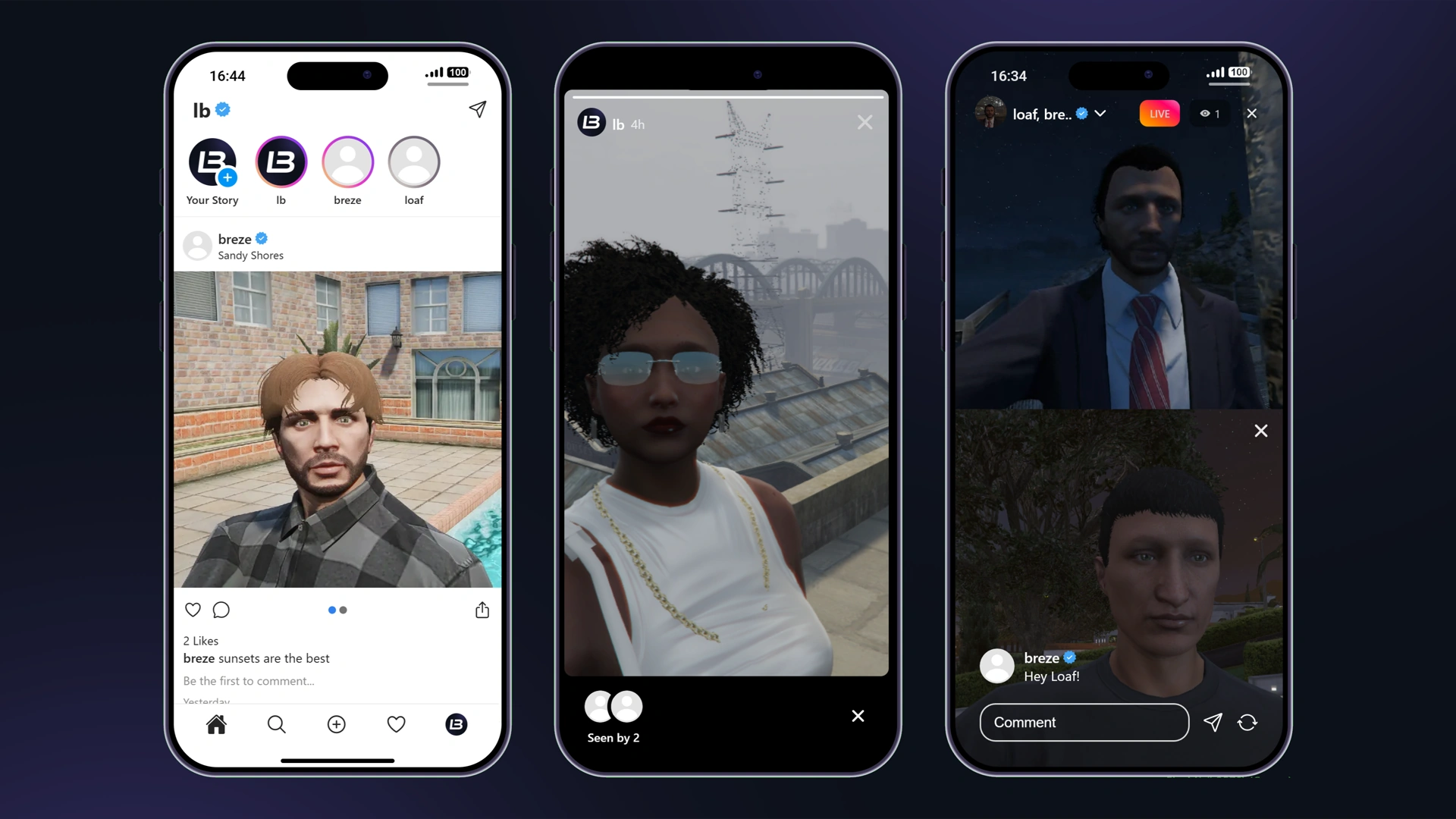
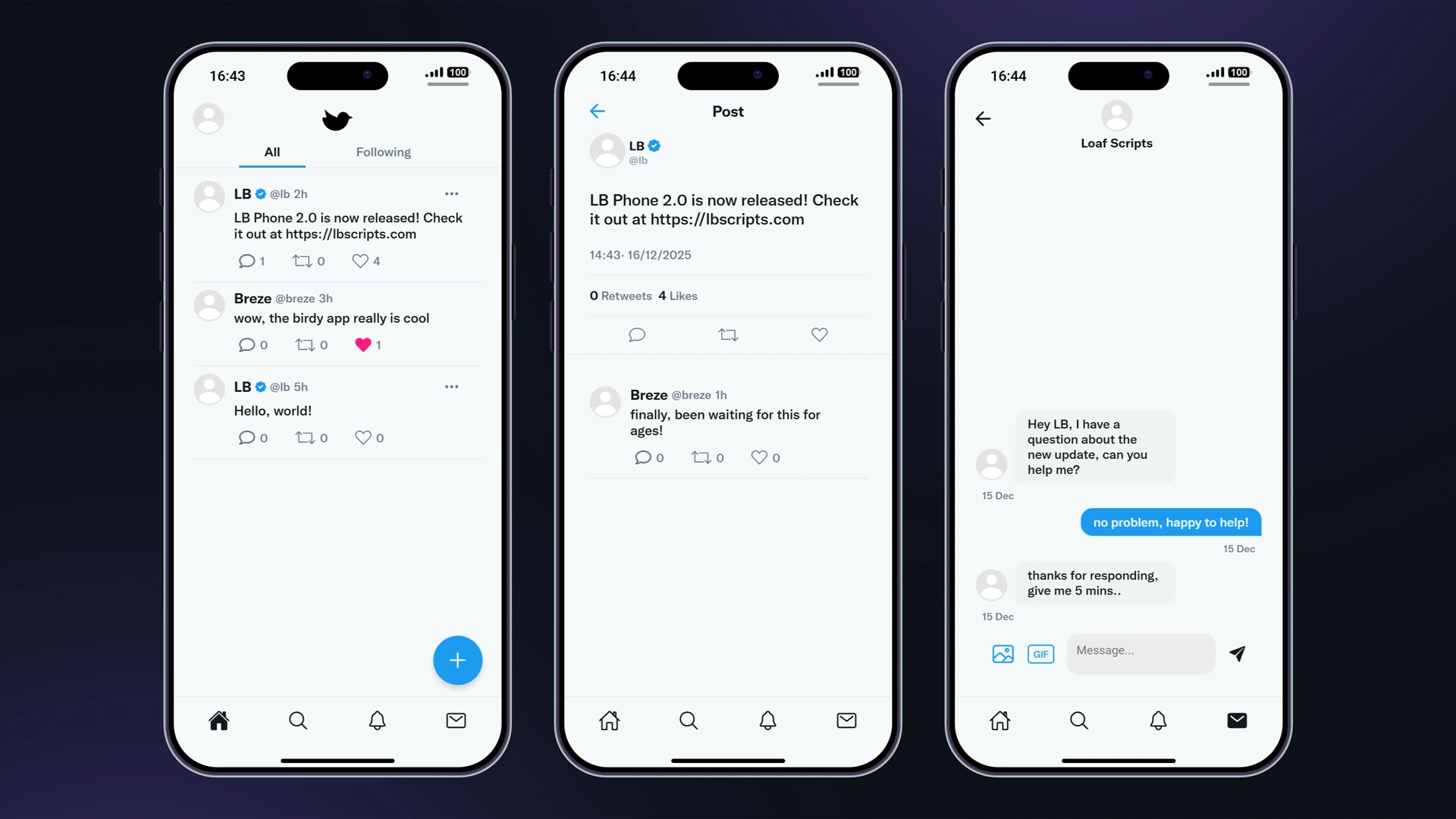
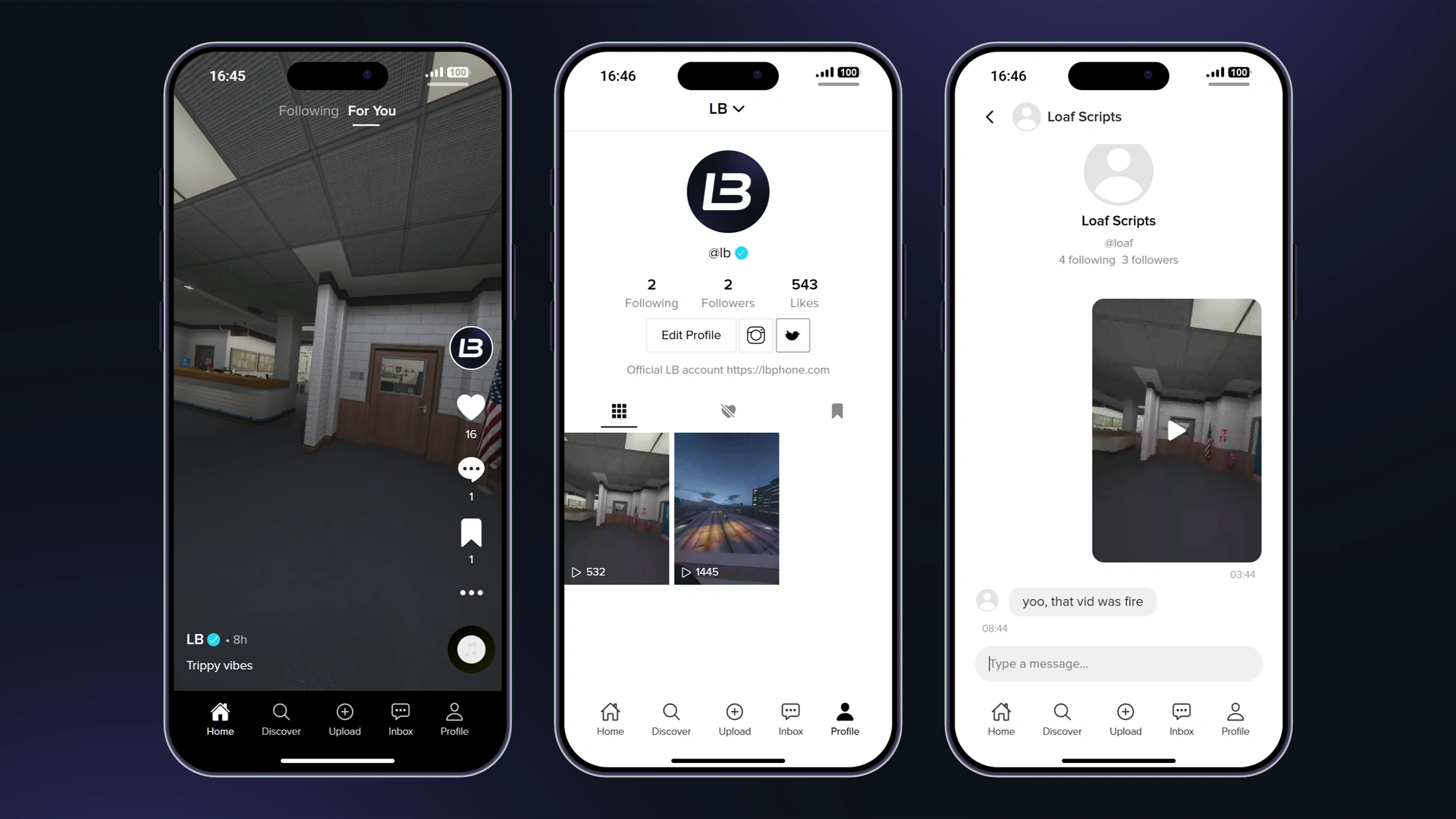
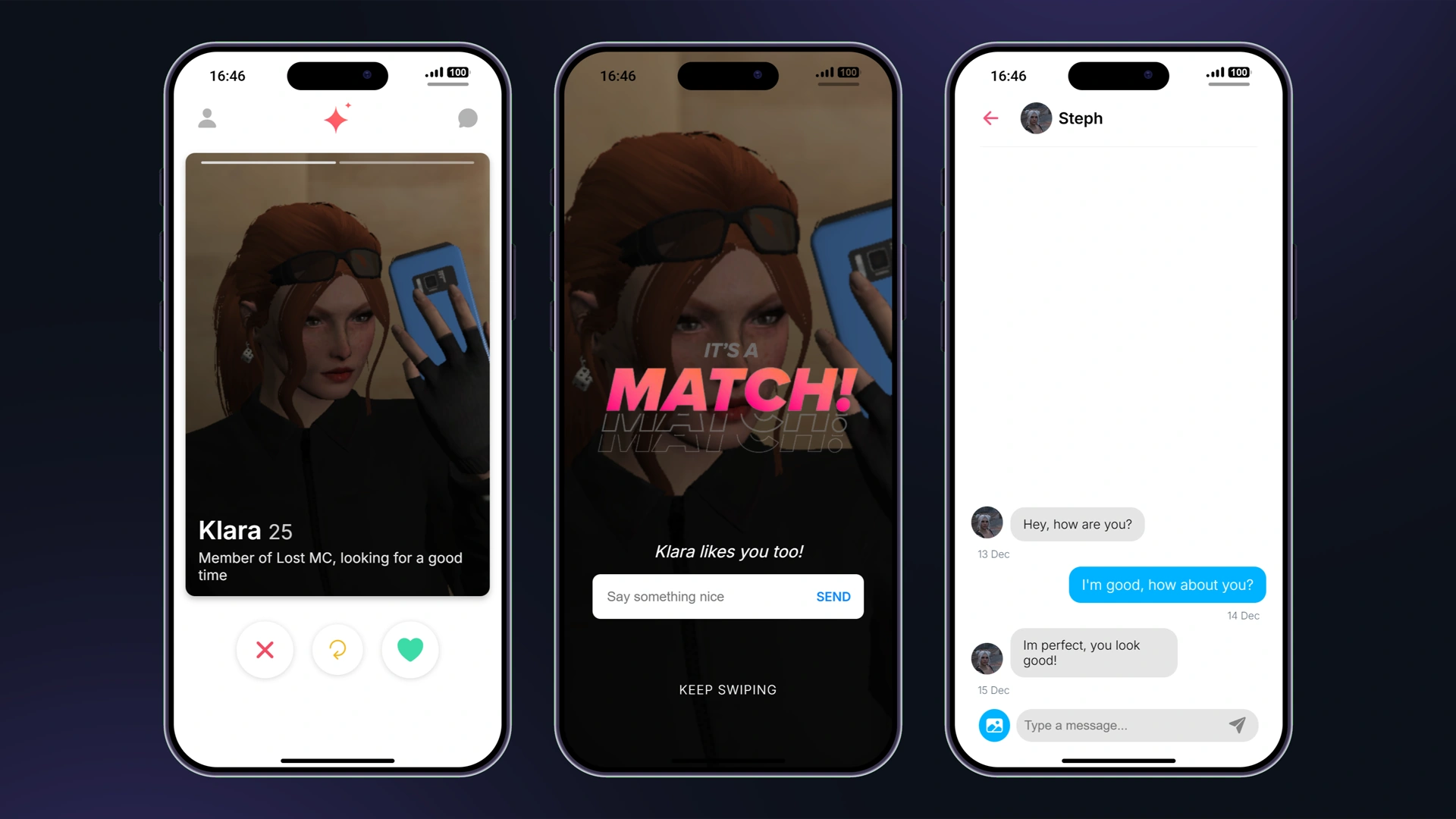
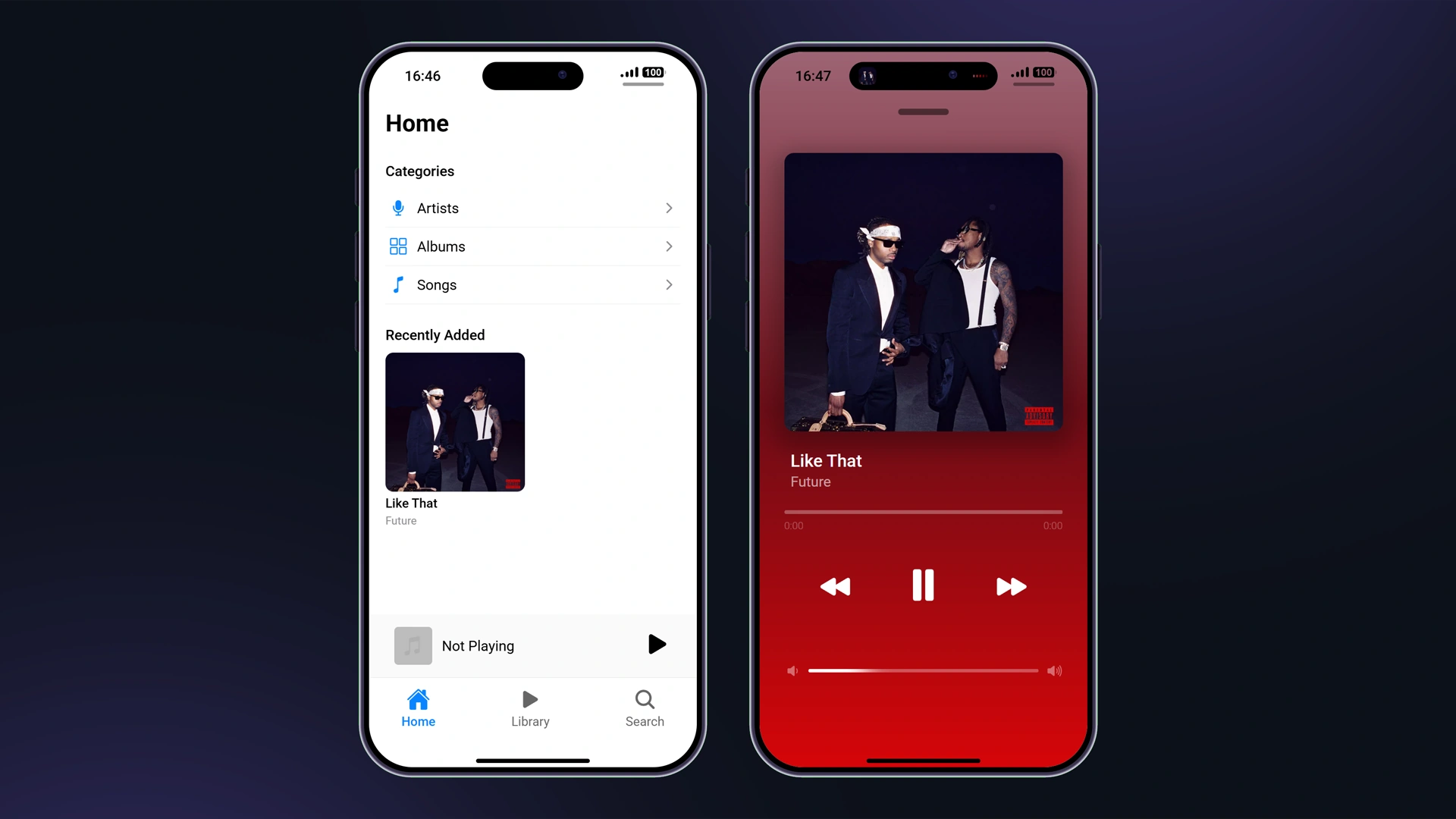
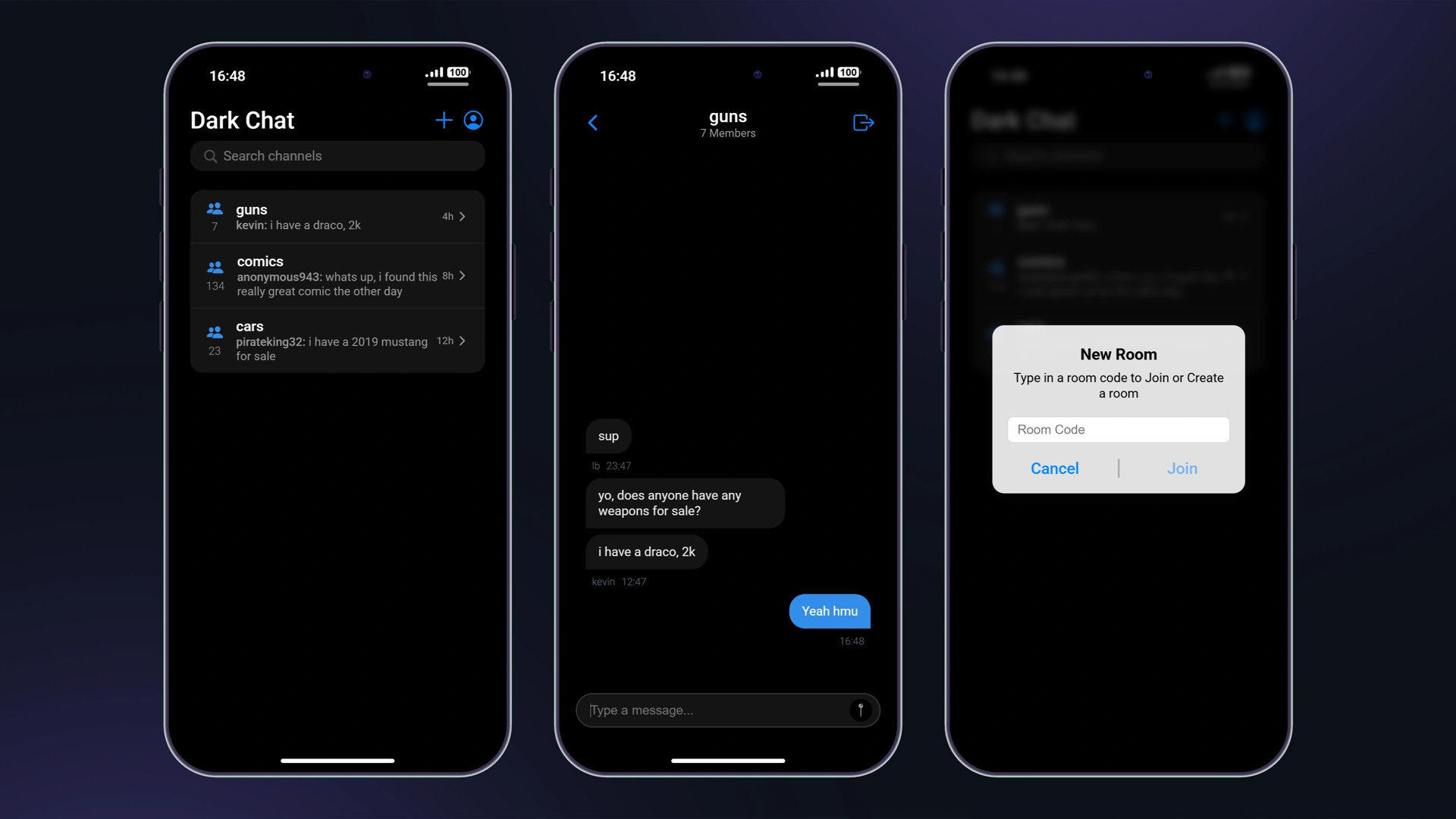
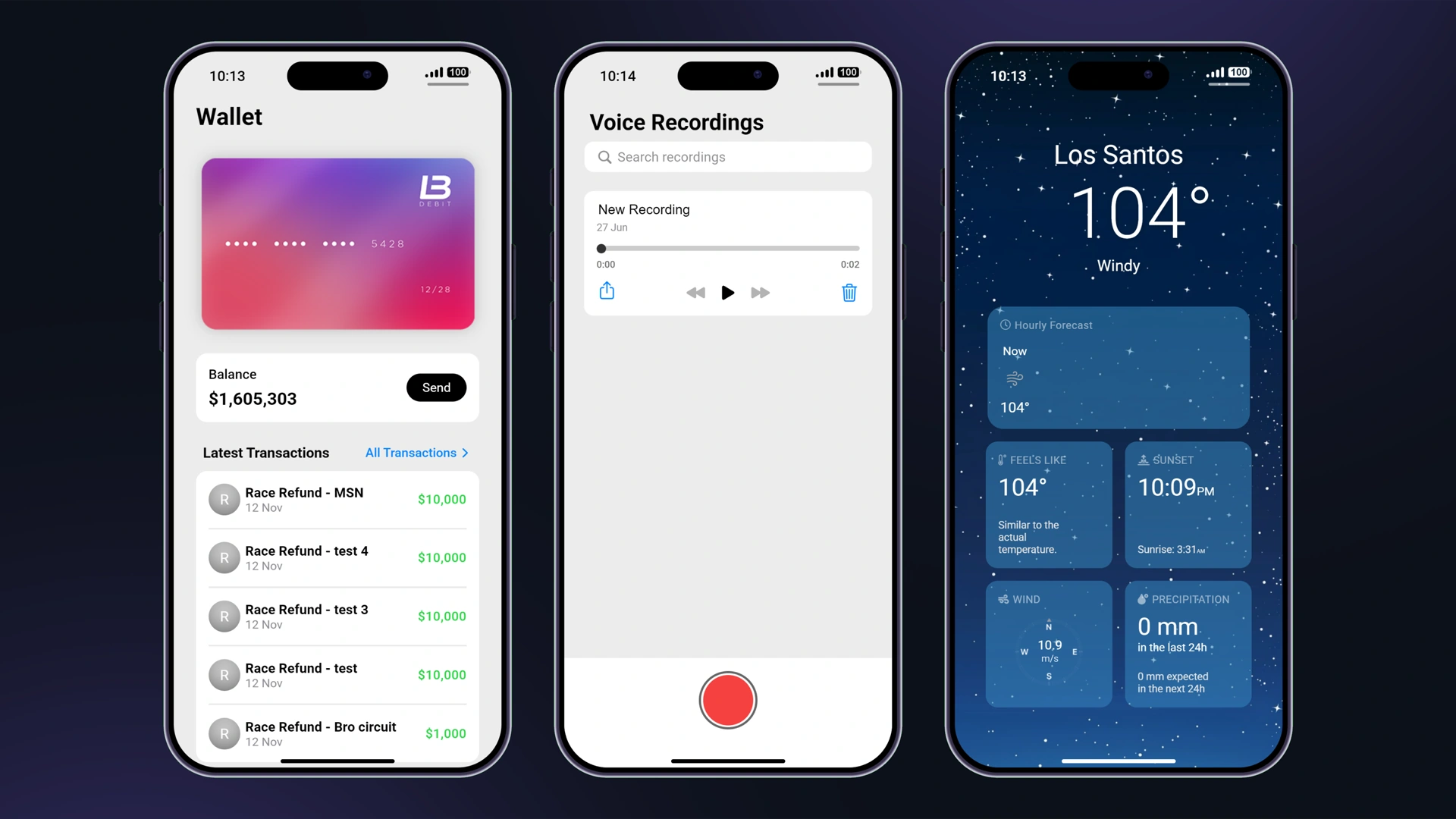







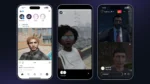
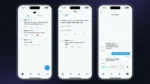
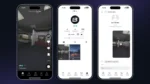
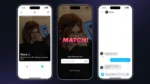
Aplicativos personalizados
O LB Phone permite adicionar aplicativos que possuem uma interface de usuário ou que simplesmente acionam funções ao abrir o aplicativo. Para adicionar um aplicativo que aciona uma função ao abri-lo, acesse lb-phone/config/config.lua e adicione o aplicativo ao Config.CustomApps tabela, assim:
Config.CustomApps = { ["app_identifier"] = { -- A unique identifier for the app, not shown to the user name = "App Name", -- The name of the app, shown to the user description = "App Description", -- The description of the app, shown to the user developer = "LB Phone", -- OPTIONAL the developer of the app defaultApp = true, -- OPTIONAL if set to true, app should be added without having to download it, game = false, -- OPTIONAL if set to true, app will be added to the game section size = 59812, -- OPTIONAL in kB images = { "https://example.com/photo.jpg" }, -- OPTIONAL array of images for the app on the app store ui = "resource-name/ui/index.html", -- OPTIONAL icon = "https://cfx-nui-" .. GetCurrentResourceName() .. "/ui/icon.png", -- OPTIONAL app icon price = 0, -- OPTIONAL, Make players pay with in-game money to download the app landscape = false, -- OPTIONAL, if set to true, the app will be displayed in landscape mode keepOpen = true, -- OPTIONAL, if set to true, the app will not close when the player opens the app (only works if ui is not defined) onUse = function() -- OPTIONAL function to be called when the app is opened -- do something end, onServerUse = function(source) -- OPTIONAL server side function to be called when the app is opened -- do something end }}Aplicativos personalizados usando UI
Se você quiser usar uma IU personalizada para seu aplicativo, você precisa criar um script separado e fornecer o caminho do arquivo HTML e enviá-lo como ui.
A maneira recomendada de criar um aplicativo com interface de usuário é criá-lo usando exportações. Temos aplicativos de modelo que você pode usar como referência.
Se o usuário tiver o modo escuro ativado, o tema de dados será definido como escuro. Caso contrário, será definido como claro.
Adicionando o aplicativo
Para adicionar o aplicativo, use o Adicionar aplicativo personalizado exportar.
Removendo o aplicativo
Para remover o aplicativo, use o RemoverCustomApp exportar.
Enviando uma mensagem para a IU
Para enviar uma mensagem para a IU, você precisa usar o Enviar mensagem de aplicativo personalizada export em vez de usar SendNUIMessage. Você ouviria da mesma forma no frontend.
Componentes e funções importados
Quando o aplicativo é carregado no telefone, algumas funções são importadas para o globalThis objeto.
| Nome | Tipo | Descrição |
|---|---|---|
| Nome do recurso | corda | O nome do recurso que adicionou o aplicativo personalizado |
| nome do aplicativo | corda | O nome do aplicativo |
| configurações | objeto | As configurações do telefone |
| componentes | objeto | Útil componentes para o aplicativo |
Componentes
Os seguintes componentes podem ser acessados via globalThis.components. Você pode visualizar um arquivo de declaração TypeScript em lb-reactts/ui/src/components.d.ts.
criarGameRender
Cria uma renderização do jogo, que renderiza o jogo em uma tela. Isso é usado para criar uma câmera no seu aplicativo e deve ser usado com o exportações de câmeras.
const gameRender = components.createGameRender(canvas) // set the aspect ratiogameRender.resizeByAspect(9 / 16) // pause the renderinggameRender.pause() // unpause the renderinggameRender.resume() // take a photoconst blob: Blob = await gameRender.takePhoto() // take a videoconst recorder = gameRender.startRecording((blob: Blob) => { const video = URL.createObjectURL(blob)}) await new Promise((resolve) => setTimeout(resolve, 5000)) recorder.stop() // destroy the game rendergameRender.destroy()uploadMídia
Carrega mídia e retorna uma promessa com o URL.
// Upload type can be 'Video' | 'Image' | 'Audio'const url = await components.uploadMedia('Video', blob)salvar na galeria
Salva uma URL para a galeria e retorna uma promessa com o ID
const id = await components.saveToGallery(url)definirSeletorDeCor
components.setColorPicker({ onSelect(color) {}, onClose(color) {}})definir pop-up
components.setPopUp({ title: 'Popup Menu', description: 'Confirm your choice', buttons: [ { title: 'Cancel', color: 'red', cb: () => { console.log('Cancel') } }, { title: 'Confirm', color: 'blue', cb: () => { console.log('Confirm') } } ]})definirMenuContexto
components.setContextMenu({ title: 'Context menu', buttons: [ { title: 'Phone Notification', color: 'blue', cb: () => { sendNotification({ title: notificationText }) } }, { title: 'GTA Notification', color: 'red', cb: () => { fetchNui('drawNotification', { message: notificationText }) } } ]})setContactSelector
components.setContactSelector({ onSelect(contact) { components.setPopUp({ title: 'Selected contact', description: `${contact.firstname ?? '??'} ${contact.lastname ?? ''} ${contact.number}`, buttons: [ { title: 'OK' } ] }) }})setShareComponent
Veja o Exportação AirShare para quais dados enviar.
components.setShareComponent({ type: 'image', data: { isVideo: false, src: 'https://docs.lbscripts.com/images/icons/icon.png' }})definirEmojiPickerVisível
components.setEmojiPickerVisible({ onSelect: (emoji) => { components.setEmojiPickerVisible(false) components.setPopUp({ title: 'Selected emoji', description: emoji.emoji, buttons: [ { title: 'OK' } ] }) }})definirGifPickerVisível
components.setGifPickerVisible({ onSelect(gif) { components.setPopUp({ title: 'Selected GIF', attachment: { src: gif }, buttons: [ { title: 'OK' } ] }) }})conjuntoGaleria
components.setGallery({ includeVideos: true, includeImages: true, allowExternal: true, multiSelect: false, onSelect(data) { components.setPopUp({ title: 'Selected media', attachment: { src: Array.isArray(data) ? data[0].src : data.src }, buttons: [ { title: 'OK' } ] }) }})definir imagem em tela cheia
components.setFullscreenImage('https://docs.lbscripts.com/images/icons/icon.png')setHomeIndicatorVisível
components.setHomeIndicatorVisible(true)Funções
fetchNui(evento, dados, scriptName?)
fetchNui('test', { foo: 'bar'})onNuiEvent
Ouça as mensagens NUI enviadas via Enviar mensagem de aplicativo personalizada
onNuiEvent('test', (data) => { console.log(data)})emAlterarConfigurações
Ouça as alterações nas configurações
onSettingsChange((newSettings) => { console.log(newSettings)})criarChamada
createCall({ number: '1234567890', // you can send `company` instead of `number` to call a company videoCall: false, hideNumber: false})