




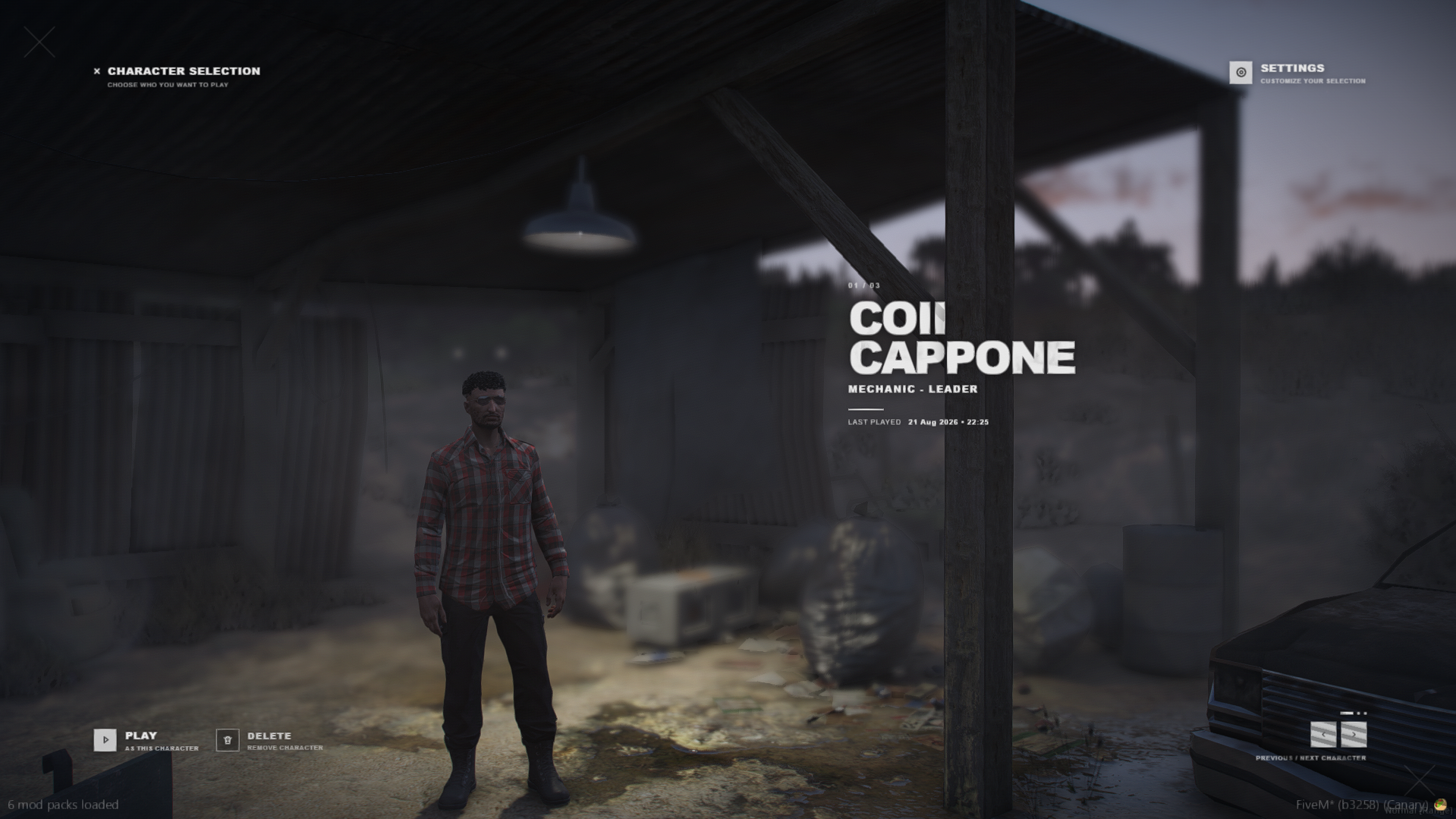
Enhance your ESX server with coii's modern multicharacter script. Features cinematic previews and customizable options.
Preview
Overview
coii's esx_multicharacter offers a sleek, modern replacement for the standard ESX multicharacter system. Designed with a cinematic feel, it aims to provide a more immersive experience for players selecting their characters.
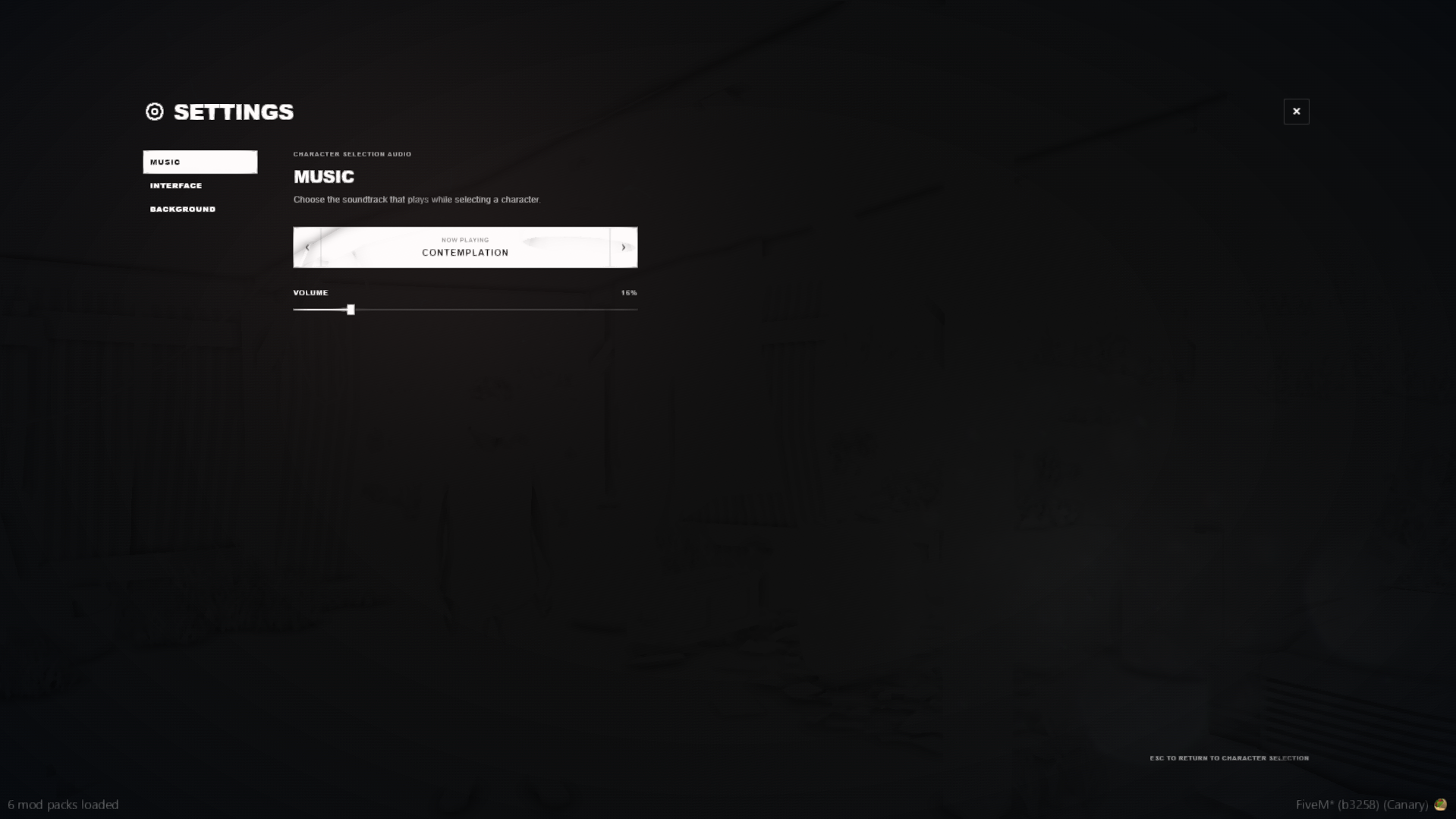
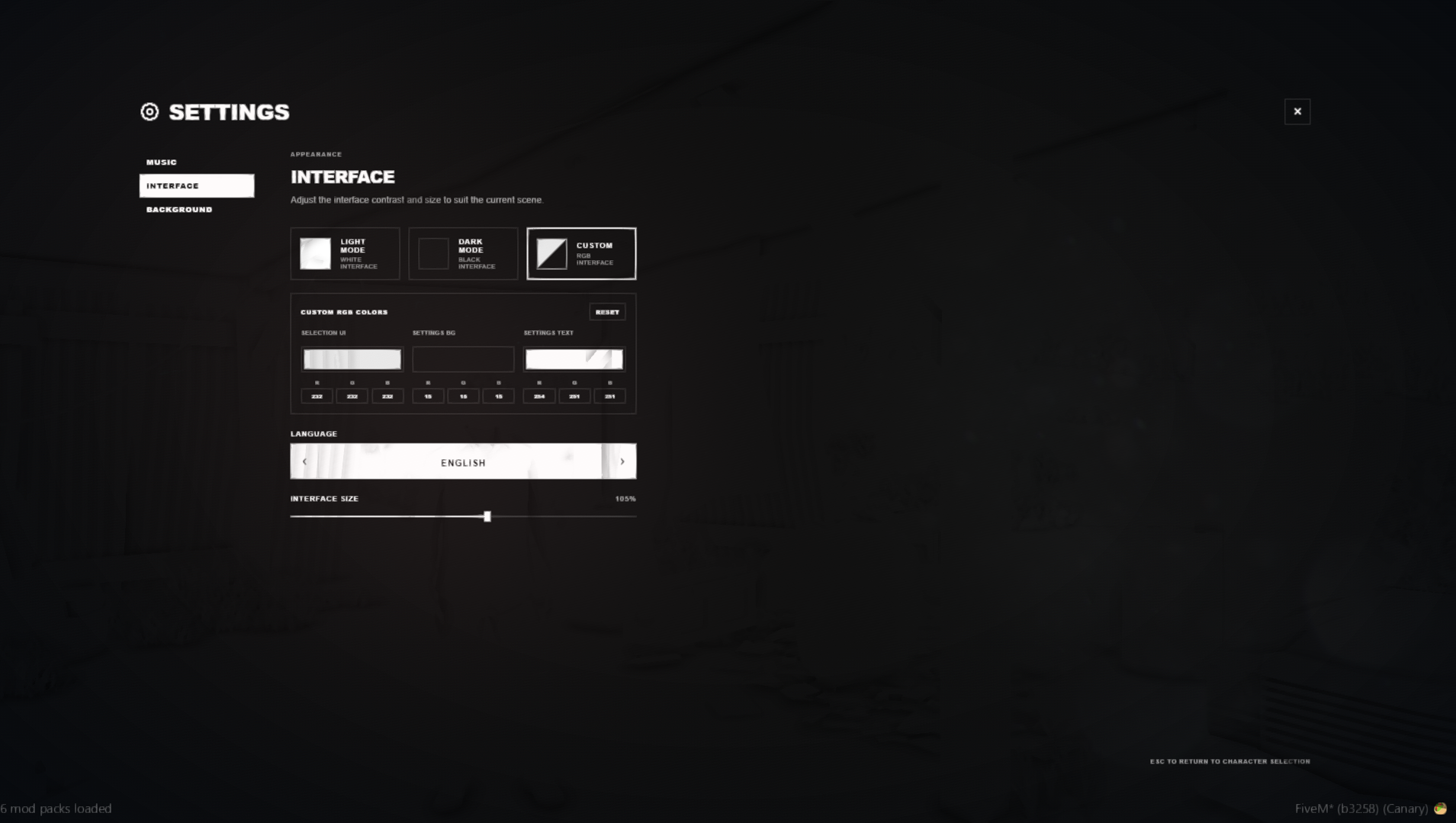
This free script includes a range of customizable features to tailor the character selection process. Players can enjoy dynamic preview scenes and persistent settings, while server owners have options for managing slots and security.
Key Features
- Cinematic character preview system
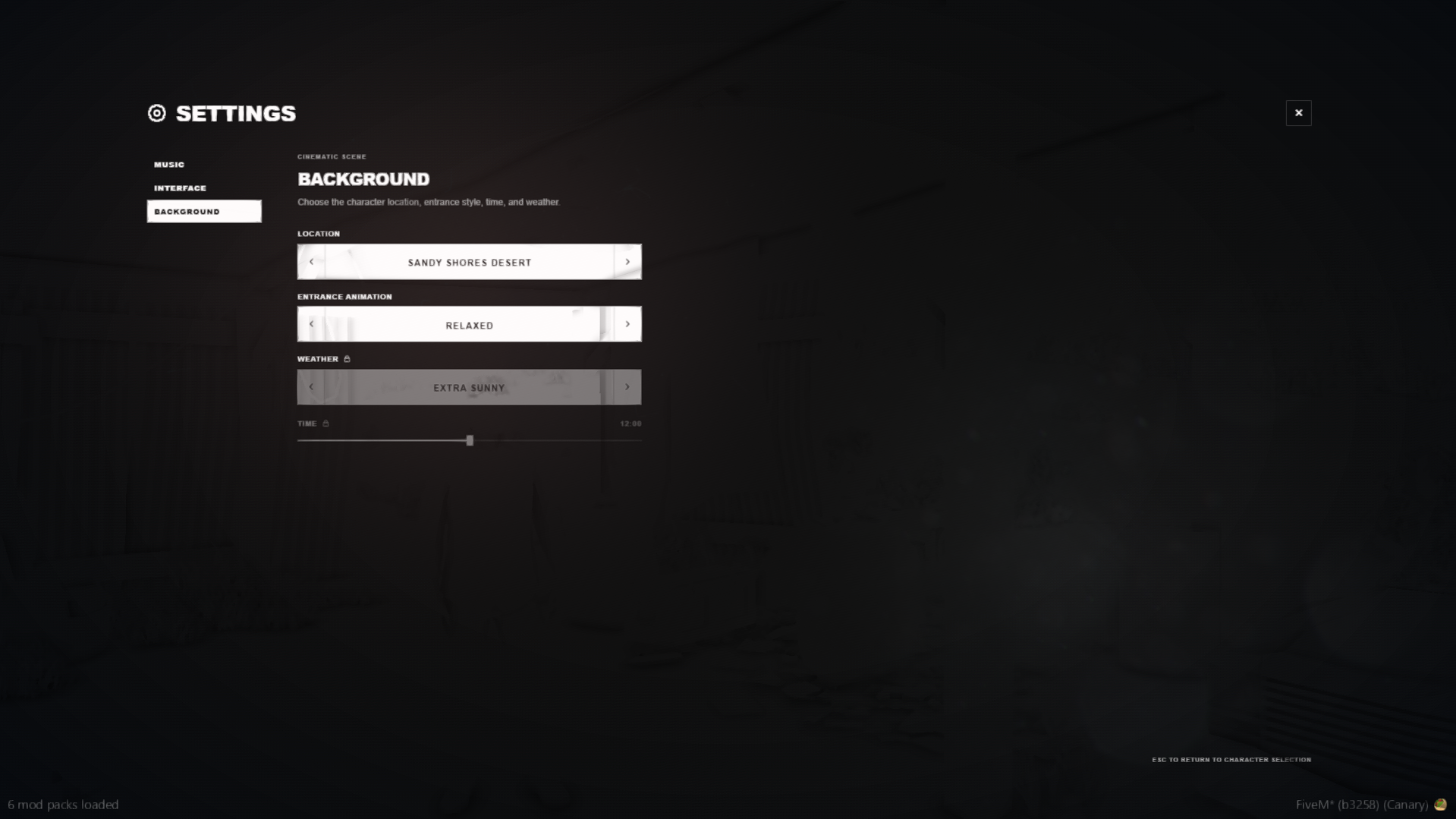
- Configurable preview locations
- Smooth character transitions
- Depth-of-field and camera effects
- Configurable character animations
- Optional time and weather settings
- Local NPC and vehicle suppression
- Displays character name, job, and last played date
Requirements and Compatibility
- Ensure all dependencies start before this resource.
Installation
- Download the resource through the reviewed download button.
- Review the included files and configuration notes.
- Extract the resource and place it in the correct FiveM server resources folder.
- Add the resource to server.cfg when the release includes a resource folder.
- Restart and test on a staging server before using it live.